This option logged you in by scan the QR code in your WhatsApp from linked device.
New Campaign
By the use of this option we can start a fresh campaign for flash sender.
Number Filter
This option lead you to import the numbers by two ways
The two ways are:
• File – you can import numbers from files • Manual – you can manually type (or) copy paste the numbers
Send Campaign
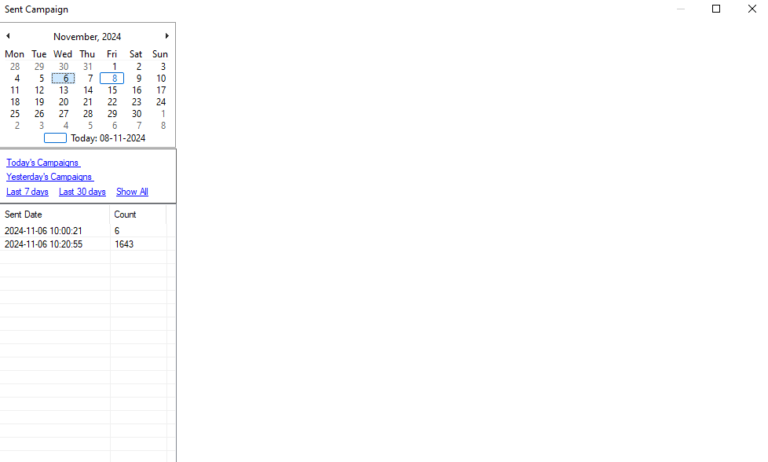
You can check the previous action by the use of Sent Campaign option.
Specifically you can check form this option for the previous action.
The above image is the Google Mapextractor, by the use of this feature you can export data base.
By input the exact region, city and keyword you can extract particularly
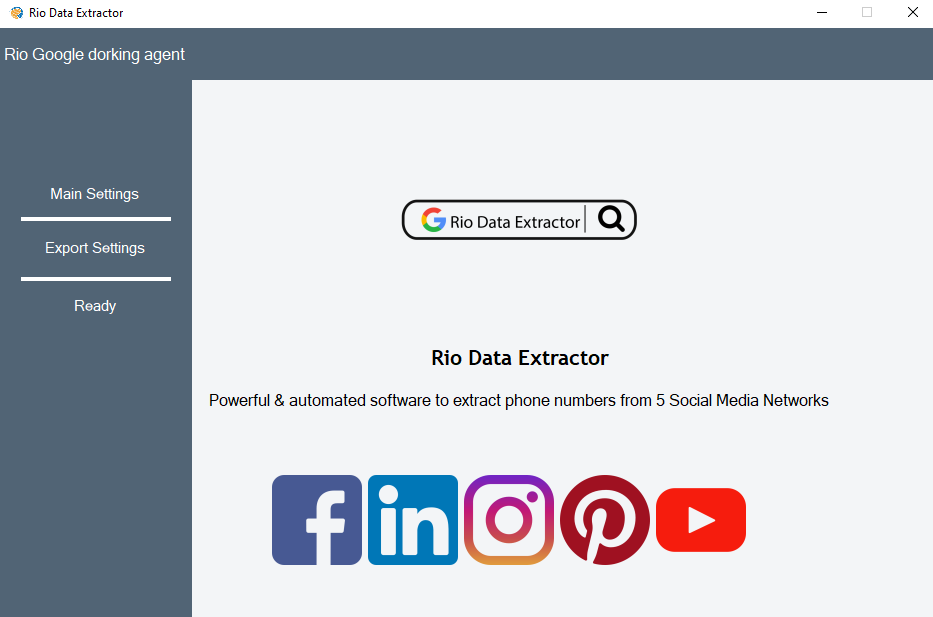
Rio Flash Sender Lead Extractor
This feature allows you to gather data base from social media platform like
Linkedin
Facebook
Youtube
Instagram
Pinterest
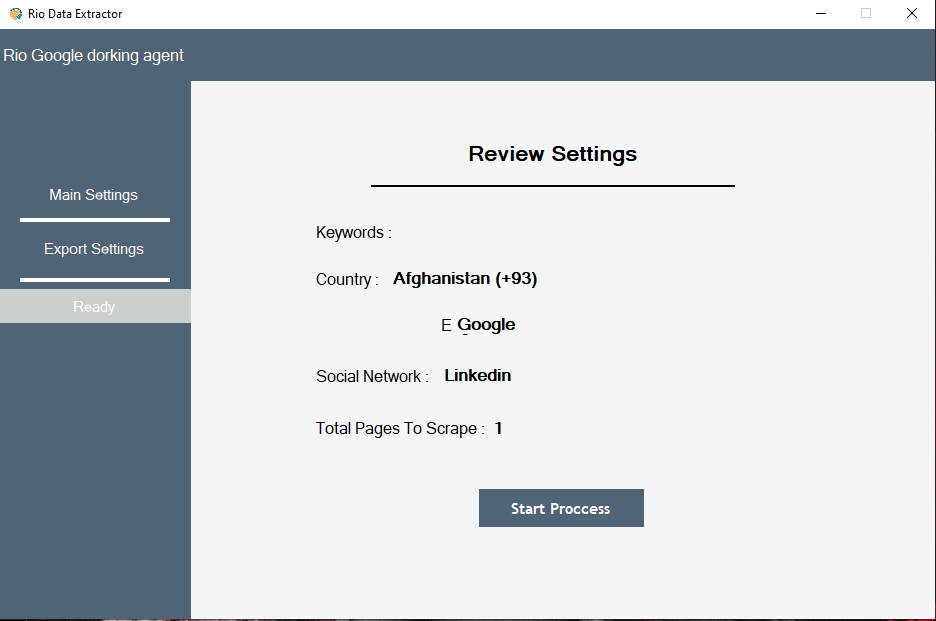
Choose where the file have to be save and the name of the file select all to gather all details and click next the proceed.
The extracted data will be displayed in the software and you can export it in the desired destination as excel file.
Group Grabber
By this option you can able to take the contact form the groups from where you are a member. you can able to send separately to the taken contact form the group.
SENDING SETTINGS:
Delay between message lead to send the message in a free flow Activate sleep between sending option has been rested the sending.
process for few seconds.
Settings
This settings option play a major role in this software There were 3 types of settings like:
Connection
Sending settings
Friendly sendings CONNECTION:
You have to fix the speed with ‘Normal’
FOR EXAMPLE:
It will rest for every 5 messages up to 25 seconds